
Mobile data management
Jobs, forms and reports with an office Portal giving real-time control of your on-site workforce
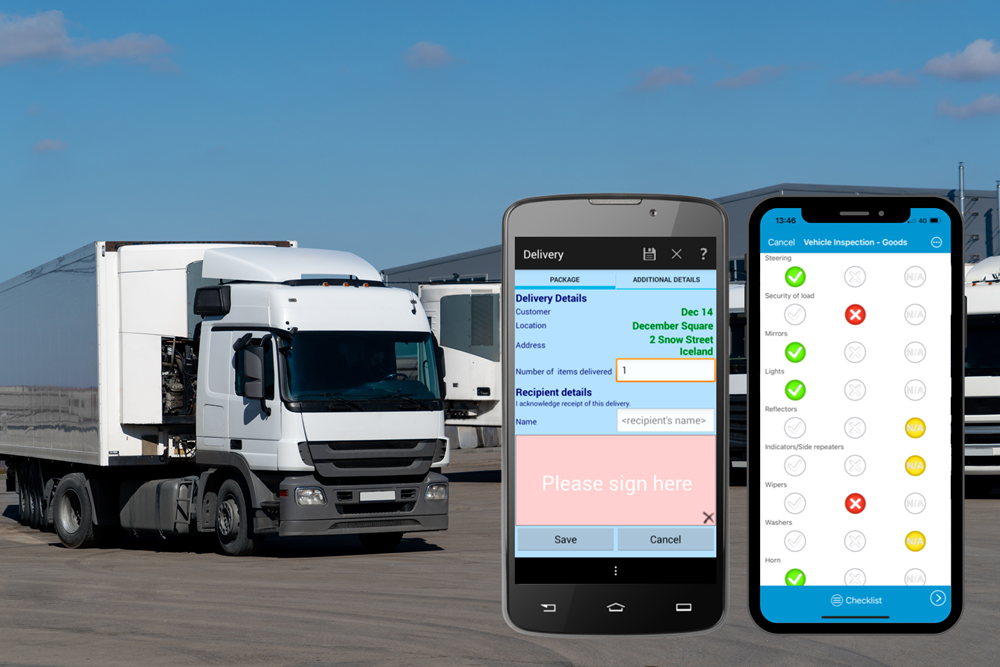
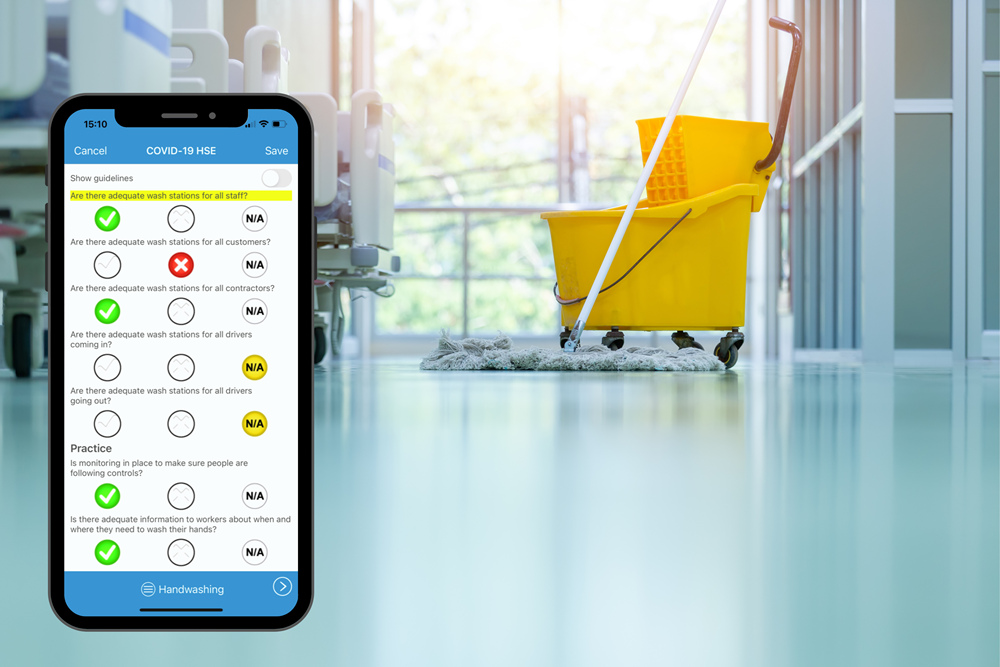
- Send jobs to Apple or Android devices & receive forms & reports back all in one place.
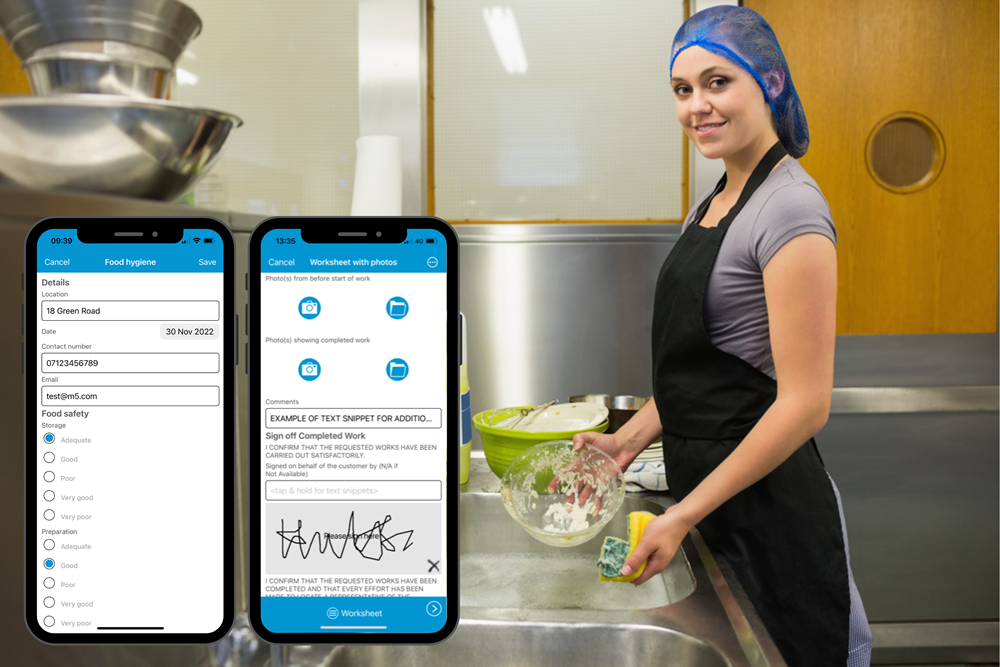
- Readymade job sheets, signature capture, timesheets, onsite ordering, service/installation, emails, SMS, customer logins.
- Already used in food hygiene, health & safety, construction, service/installation, biosciences, vehicle hire/repair, plumbing and heating and more industries joing all the time.
- Automatic links to Sage, Salesforce, ClicData & other third-party and in-house systems.




magic5 Professional
Customisable forms for signatures, photos, etc with document management, CRM, invoicing & back-office system offering real-time control and visibility of your workforce.
£25 per user per month
magic5 Enterprise
Bespoke implementation on an in-house server with one-off licence cost plus yearly support & maintenance recommended. Quote may include branding & training if required.
Quote on request
Sage link
Send customer details from Sage to magic5 including orders for work or products. After work/delivery is completed on a mobile device, details are returned to Sage for invoicing.
Set up + £25 per user per month







magic5 have provided a professional solution to our systems integration. With an intuitive administration system and a simple application compiler it has enabled a number of systems to be combined. The support offered has also enabled us to develop bespoke add-ons to tailor the system to our exact needs.
— Andrew Rose, Bioquell, world leaders in providing decontamination equipment and services

The magic5 software has saved our business considerable administrative and professional staff time in the design, building and production of audit reports, which has resulted in improved accuracy, consistency and professionalism of reporting, as well as improved report turnaround for our clients, including restaurant groups such as Nandos. magic5 provide a service that is reliable, responsive and professional.
Neil Rush – Managing Director at sts-solutions, market-leaders in safety consultancy

It’s nice every now and again, to meet with an organisation that really does go the extra mile to make sure their customers are pleased with the services that are provided.
John McCormack, Leymac Ltd, offering a complete building service to Merseyside clients

